Split Vertical
Equal left-right views for interviews, reactions, and two-person storytelling.
DualCam gives mobile creators six layout templates, one-tap photo or video switching, and a customizable front-camera PiP without turning capture into an editing session.
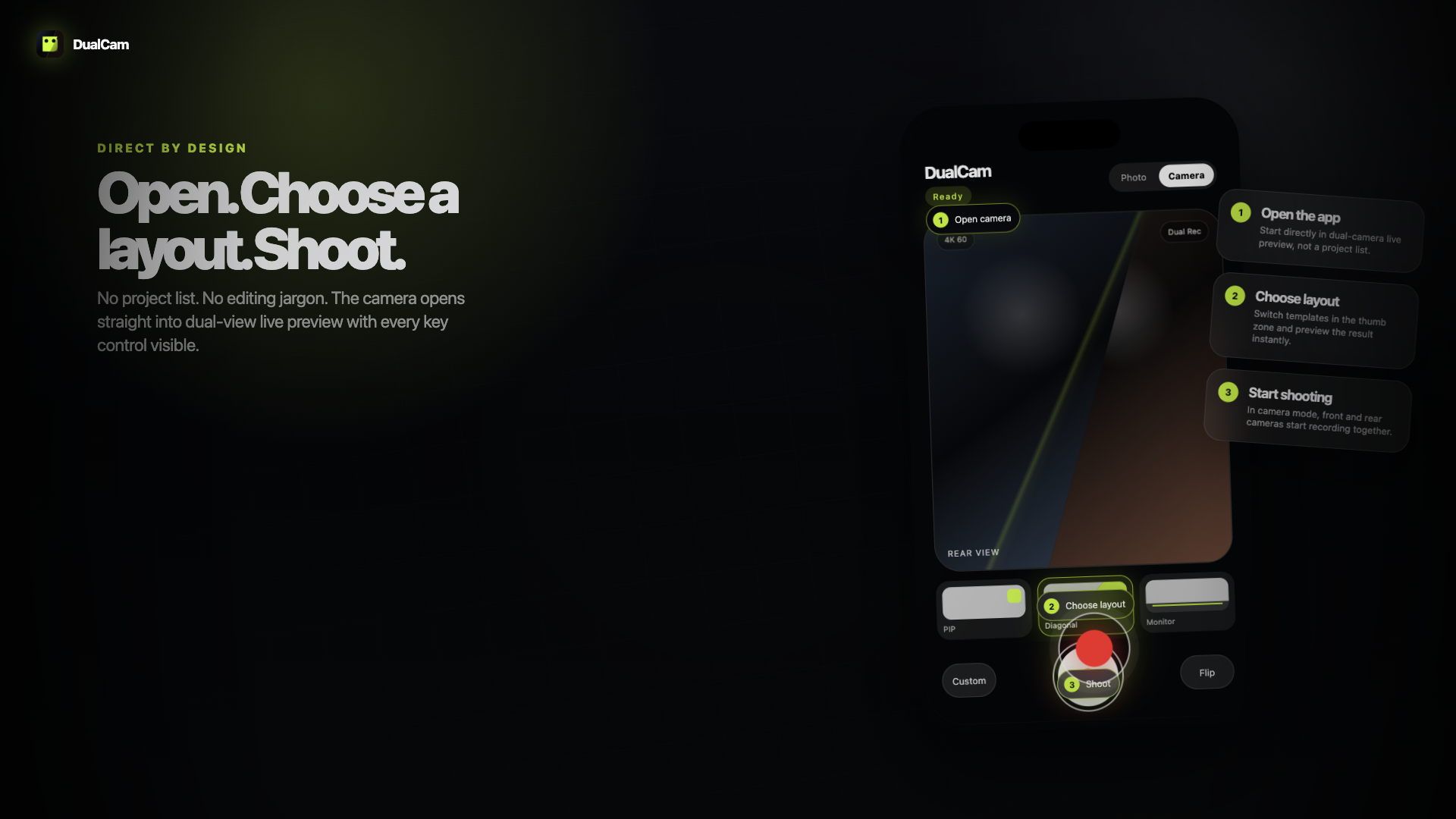
Each template has a clear capture use case, from safe split-screen recording to the more cinematic diagonal hero frame used in the latest prototype.
Equal left-right views for interviews, reactions, and two-person storytelling.
Top-bottom framing for routes, workouts, tutorials, and wide environment capture.
Rear camera as the main canvas with a movable front-camera window.
A social-first reaction format that keeps the face expressive without covering the scene.
A monitor-style layout with the main view and a lower preview track for controlled capture.
The launch hero composition: sharp, energetic, and instantly different from standard camera apps.
Move, scale, and reshape the front camera in a translucent panel while the rear canvas stays visible. The product keeps professional control away from timeline-style complexity.
Keep the reaction window away from the action without opening a separate editor.
Three clear masks cover the common visual languages: vlog, reaction, and utility.
One tap returns the composition to a clean default when the shot gets messy.
DualCam is designed around the moment of capture, not the after-the-fact editing session.